
eMMC Module N2 Linux (Red Dot)


eMMC Module N2 Linux (Red Dot)
Description
Don't Forget Your eMMC Reader!
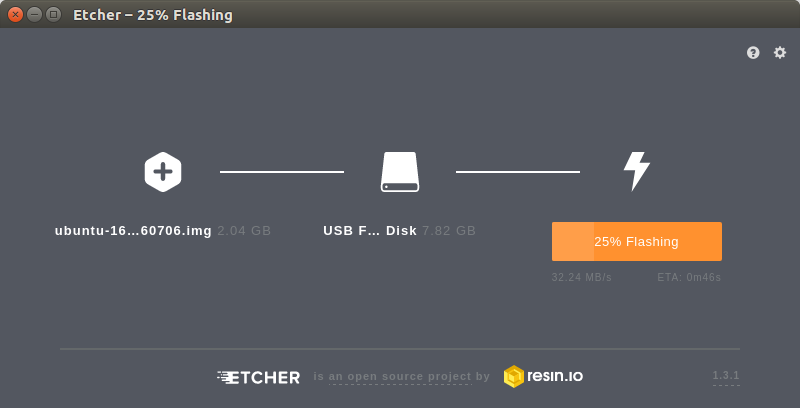
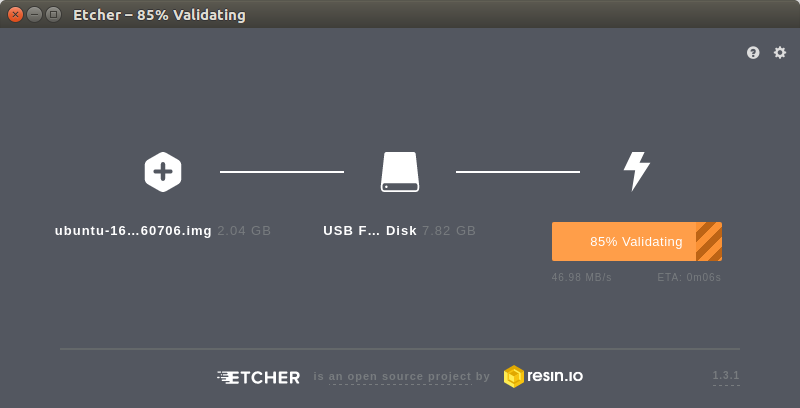
This eMMC comes preinstalled with an OS. However, if you wish to back up this eMMC to your computer or write a new OS image to it, you'll need a way to hook it up to another computer with one of the two following solutions:
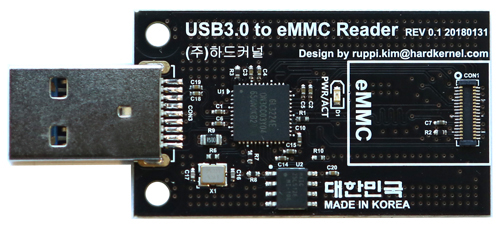
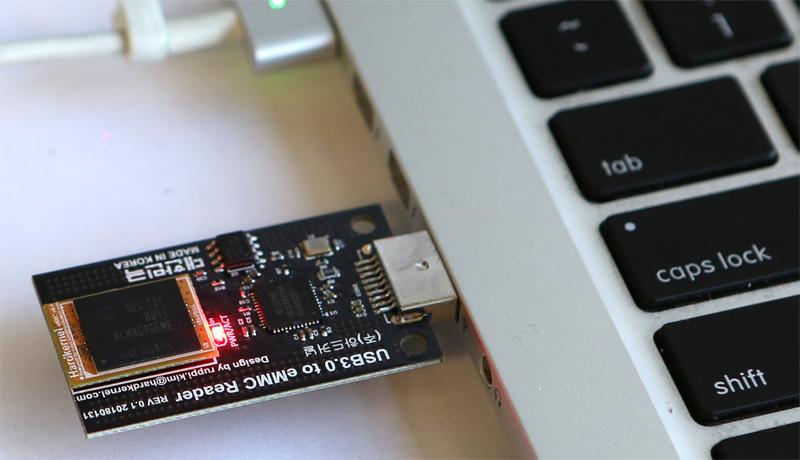
- eMMC to USB adapter, or
- 64GB and smaller applications only: eMMC to microSD adapter and microSD reader/writer
KEY FEATURES
- OS Preinstalled
- Plug and play
- Supports HS400 Speeds
- Not all sizes will work with the recommended eMMC Reader/Writer, make sure to read the description of each eMMC adapter.
eMMC storage performance
Sequential read and write speed is over 150MB/s and 125MB/s respectively.
4K random access performance is reasonably fast too. io zone test result are as follows.
Click on image to enlarge
We have received some feedback that 8GB eMMC's might be too small for certain OS's and you might not be able to update them. We recommend trying other available OS's or using Minimal versions with 8GB eMMC's.
*WiKi : https://wiki.odroid.com/accessory/emmc/emmc
*Schematics : http://dn.odroid.com/eMMCModule/
Warranty is valid for two weeks, starting upon date of receipt.
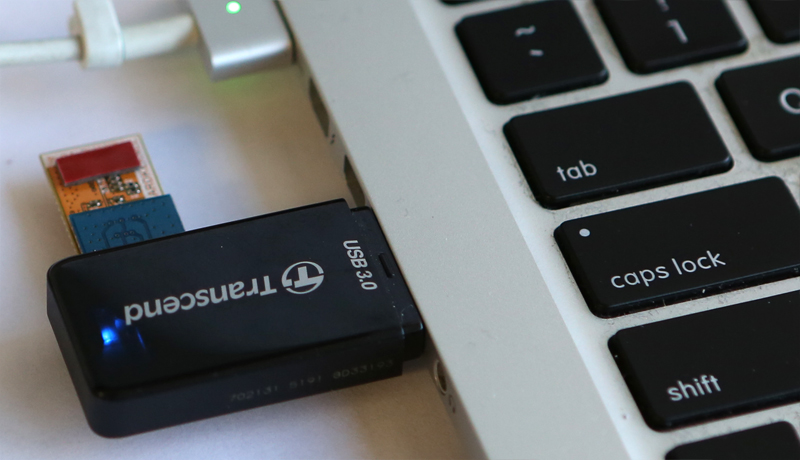
* You need eMMC Module Reader or USB3.0 eMMC Module Writer to flash or update the OS of the eMMC Module.(sold separately)
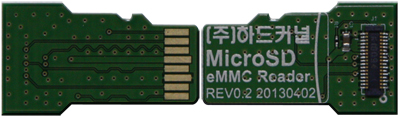
Transcend USB multi-slot SD Card reader in the below picture is not included.

** USB3.0 eMMC Module Writer : Works with ODROID Orange, Red and Blue eMMC modules
(It is not compatible with the Black eMMC Modules)
Care
To maintain the beauty and integrity of your purchase, we recommend treating it with care. Simple maintenance practices, such as gentle washing and proper storage, can effectively preserve the longevity of your favorites. We encourage you to refer to the care instructions included with each item, designed to help you keep your purchase in top condition.
Design
Our dedication to excellence extends beyond materials; it encompasses the artistry and craftsmanship illustrated in every piece we create.